Translate the text in a photo, right on the picture
Most translators give you a list of words. PhotoText puts the translation back into the photo, in the same place and a matching style, so the picture still works.
Translate a photoFree to try. No install.

Example: a German quote, in English
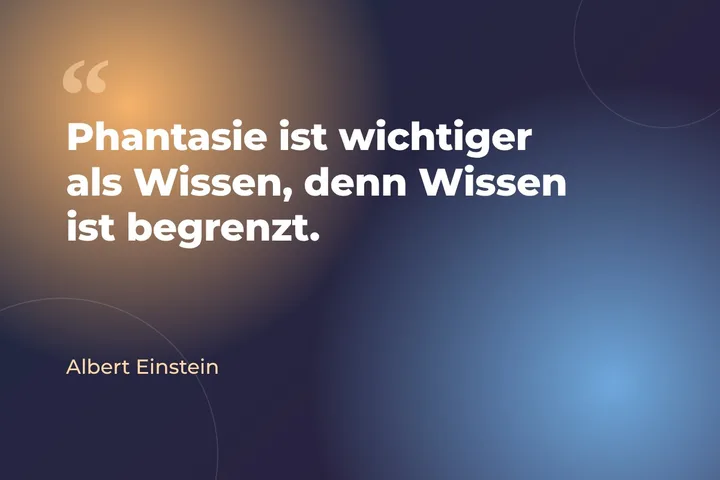
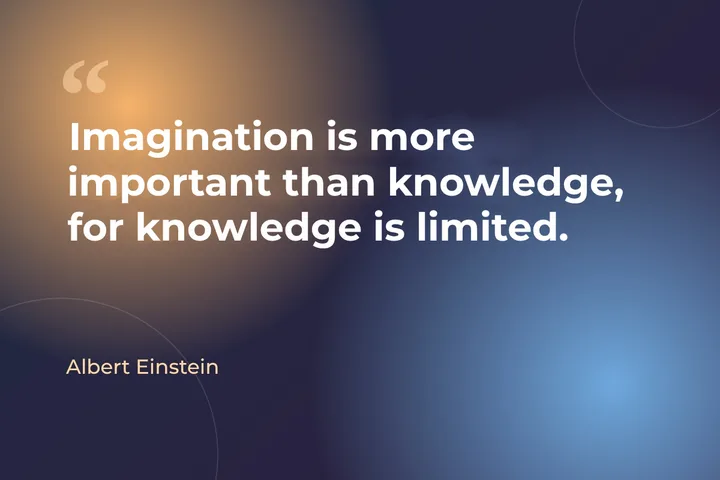
Einstein's line "Phantasie ist wichtiger als Wissen, denn Wissen ist begrenzt." on a quote card, and the same card in English, made in the PhotoText editor.
Try this exampleHow it works
- Open a photoPhotoText reads the text, in any of 22 languages.
- Choose a languageTranslate everything, or just the line you clicked.
- Check and downloadEvery translated line stays editable, so you can adjust any word.
What you get
- Into English, Spanish, French, German, Portuguese, Italian, Russian, Arabic, Hindi, Japanese, Korean and Chinese
- Reads text in 22 languages, including Hindi, Gujarati and Tamil
- Keeps each line where it was
- Edit any line by hand afterwards
Questions
What does it cost?
Translation comes with the photo's clean download (5 credits). You need a free account, and you can translate up to 50 photos a day.
Which languages can it translate into?
English, Spanish, French, German, Portuguese, Italian, Russian, Arabic, Hindi, Japanese, Korean, and simplified and traditional Chinese.
Can I translate a single word?
Yes. Click the line, then "Translate into" for just that line.