How to translate a photo and keep the design
Translate the words in a picture and get a new picture back, not just a list of words.
Translate a photoFree to try. No install.
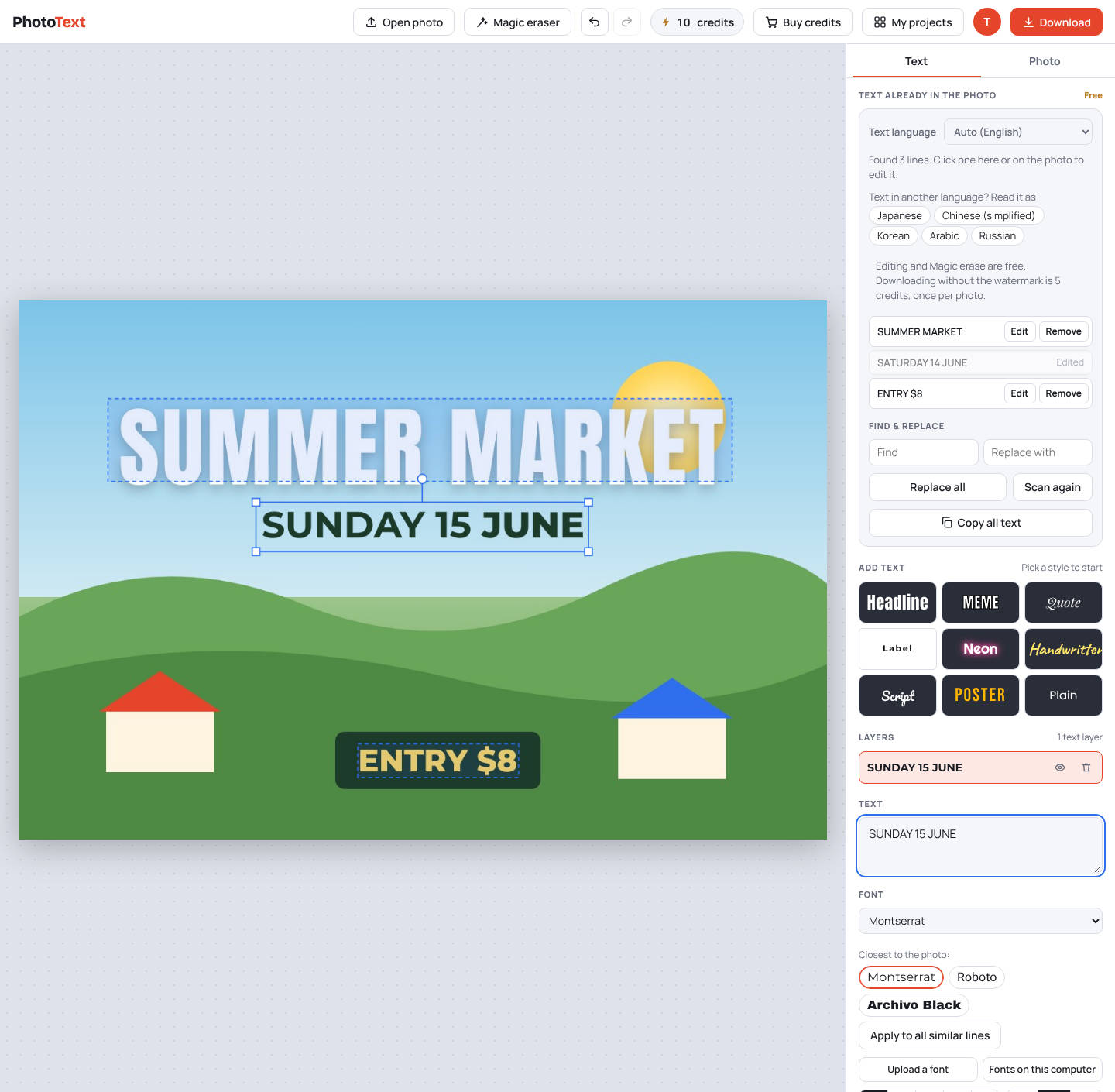
How it works
- Sign in and open the photoTranslation needs a free account.
- Choose the languageTranslate the whole photo, or click one line and pick "Translate into".
- Check each lineEvery translated line stays editable. Shorten long lines or adjust the size.
- DownloadThe clean download includes the translation.
What you get
- Translates into 13 languages, including Hindi, Arabic and Chinese
- Reads text in 22 languages
- Up to 50 photos a day per account
Questions
What does it cost?
Translation comes with the photo's clean download (5 credits).