Edit the text in a PDF, even a scanned one
Open a PDF, pick a page and click the words. PhotoText reads the page like a photo, so scans and flattened PDFs work too.
Edit a PDFFree to try. No install.
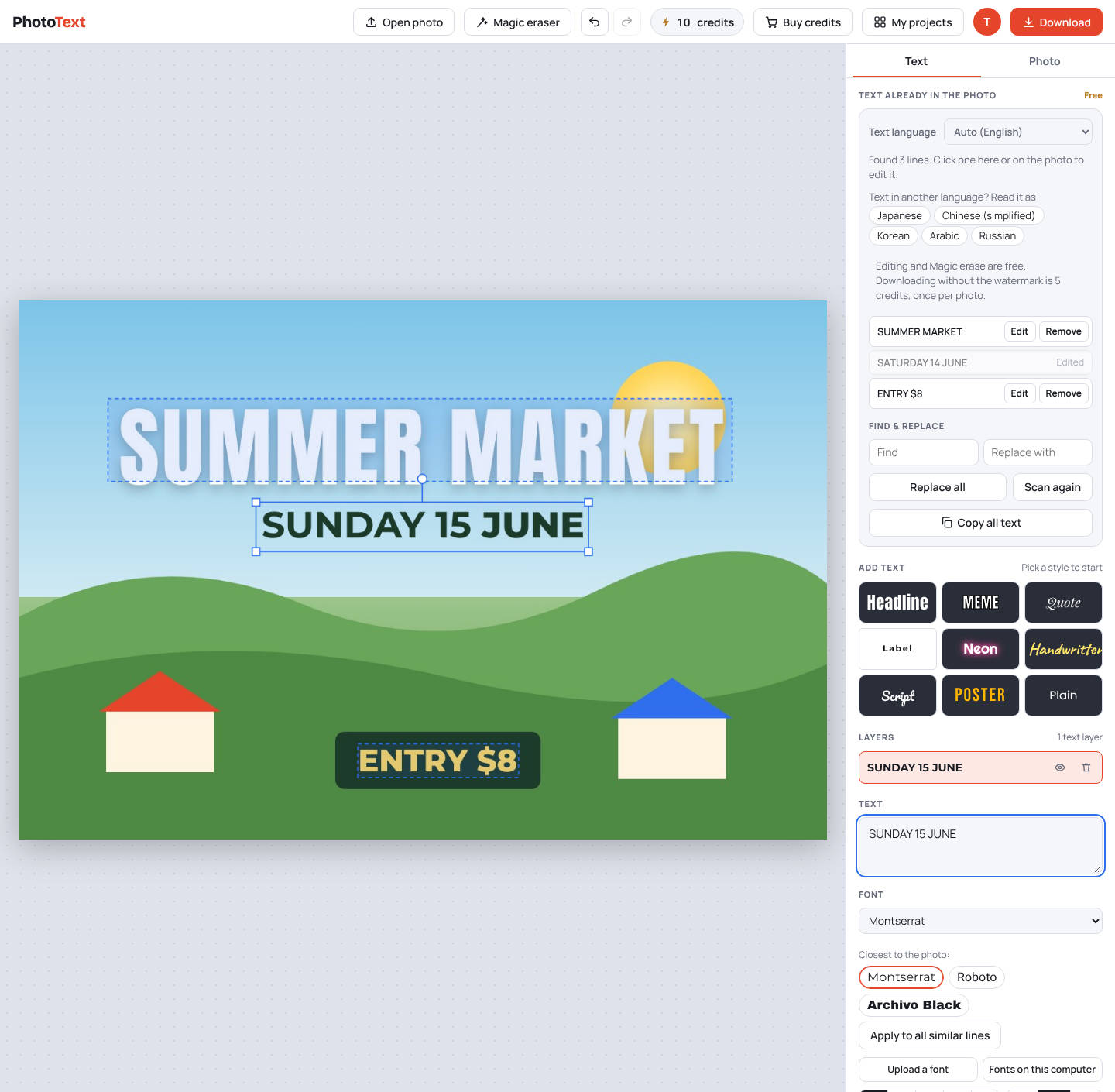
Example: change a price on a PDF menu
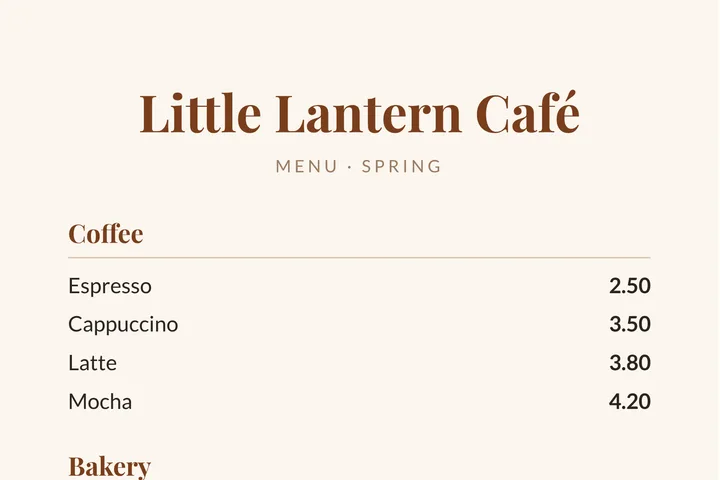
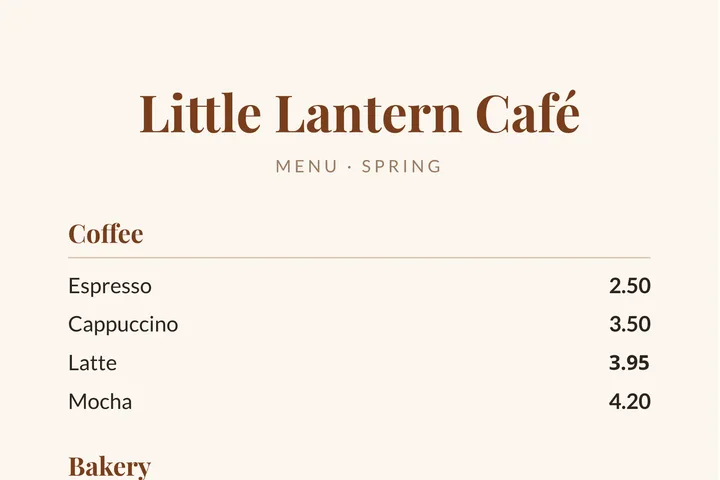
A one-page cafe menu PDF. The latte price was changed from 3.80 to 3.95 in the PhotoText editor.
Try this exampleHow it works
- Open the PDFEvery page shows as a thumbnail. Pick the one to change.
- Click and typePhotoText finds the text on the page and matches its style.
- Download a PDFSave the page you changed, or the whole document.
What you get
- Works on scanned and image-only PDFs
- Change a date, a name, a price or a line
- Remove anything with Magic erase
- Download as PDF, PNG or JPG
Questions
What does it cost?
Editing is free. A clean PDF costs 5 credits for each page you edited; pages you didn't change are free.
Does it keep the other pages?
Yes. Download the whole PDF and the pages you didn't touch come out as they were.
Can it edit a password-protected PDF?
No. Remove the password first, then open it in PhotoText.