Resize or crop an image
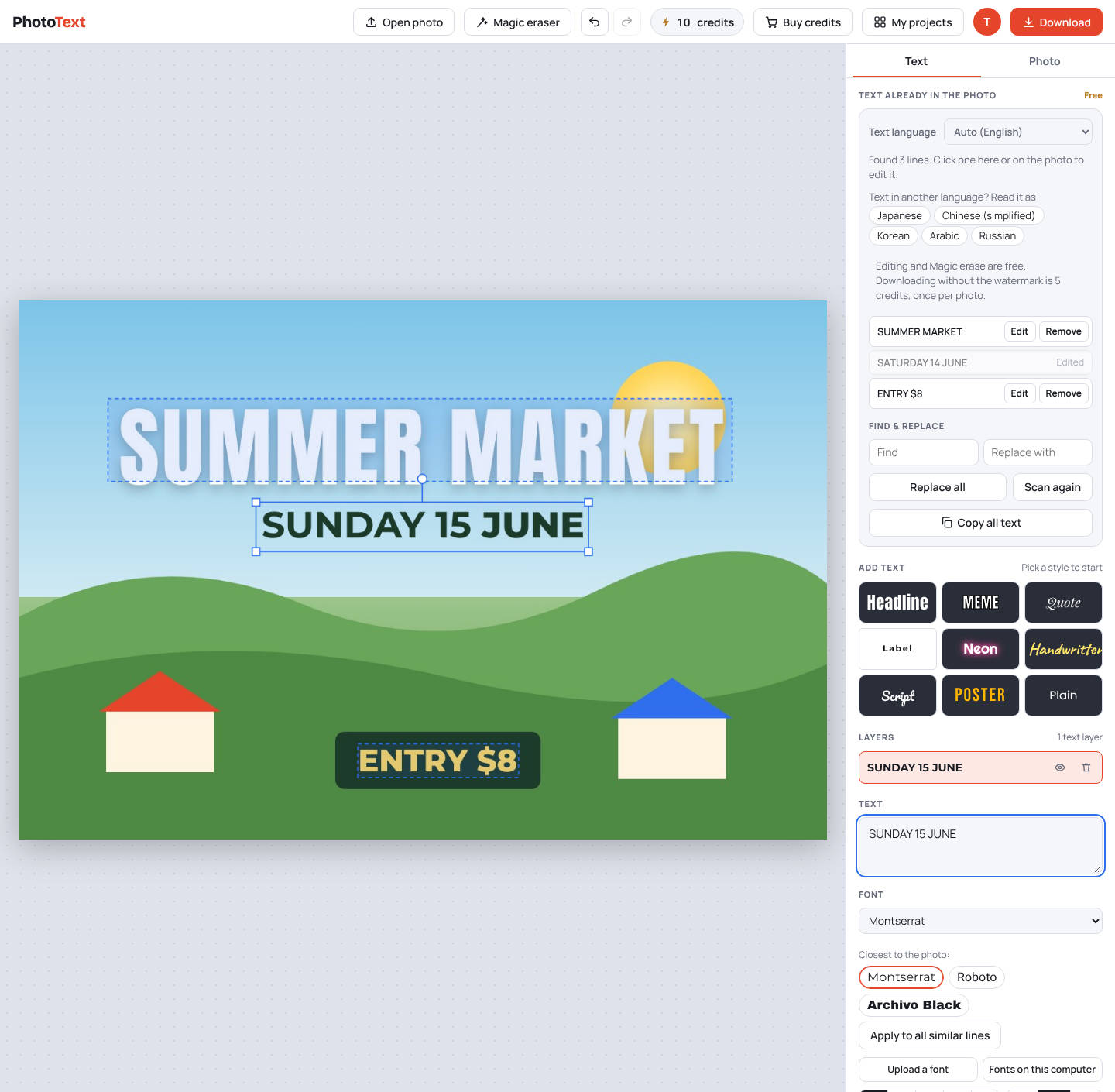
Crop to the shape you need and choose the download size. You can change or add text in the same step.
Resize an imageFree to try. No install.
How it works
- Open the imageJPG, PNG, WebP or a PDF page.
- Crop if neededSquare, 3:2, 16:9, or rotate and flip.
- Pick a size and downloadFull size, half, quarter or a custom size.
What you get
- Crop to 1:1, 3:2 or 16:9
- Rotate and flip
- Download at 100%, 50%, 25% or a custom size
- Edit the text before you download
Questions
Is it free?
Editing is free. Downloads carry a faint PhotoText.com watermark; a clean download costs 5 credits per photo. Credit packs start at $5 for 80 credits, and credits never expire.