Edit the text on a poster, flyer or invitation
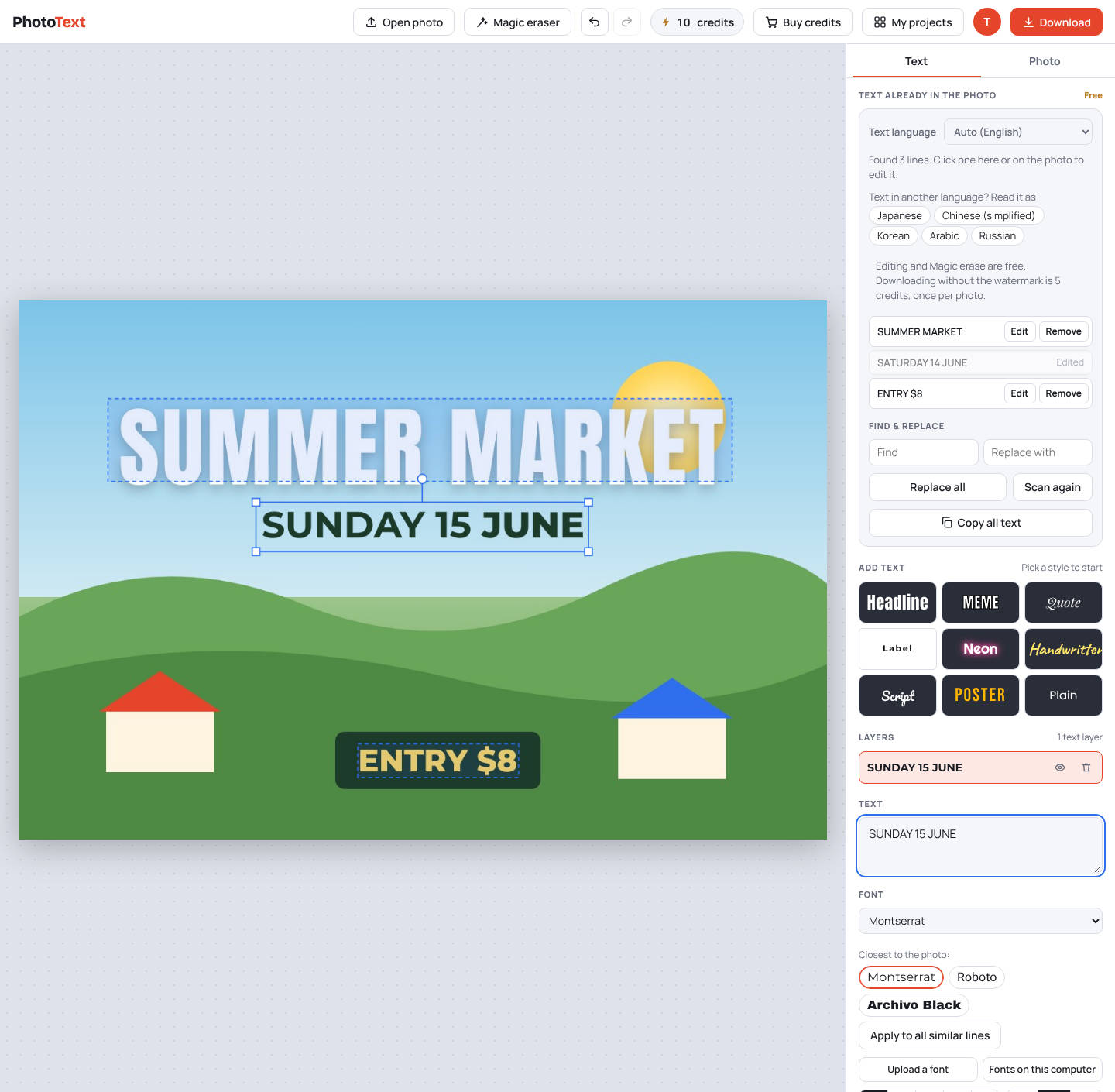
Reuse last year's poster or a shared invitation: click the date, venue or names and type the new ones. The design stays as it is.
Edit a posterFree to try. No install.
How it works
- Open the posterA photo or an image file of the poster, flyer or invitation.
- Click each detailDate, time, place, price or names. PhotoText finds every line.
- DownloadShare it online or print it.
What you get
- Matching fonts, including script and display styles
- Add new lines with shadow, outline, curve and gradient styles
- Remove lines you don't need with Magic erase
- Download as PNG or JPG
Questions
Can I use a poster I found online?
Please only edit designs you have the right to reuse, such as your own posters or templates you bought.
Is it free?
Editing is free. Downloads carry a faint PhotoText.com watermark; a clean download costs 5 credits per photo. Credit packs start at $5 for 80 credits, and credits never expire.