Edit or translate the text on product photos
Update a price, fix a label or make a version of your listing image in another language, without redoing the design.
Edit a product photoFree to try. No install.
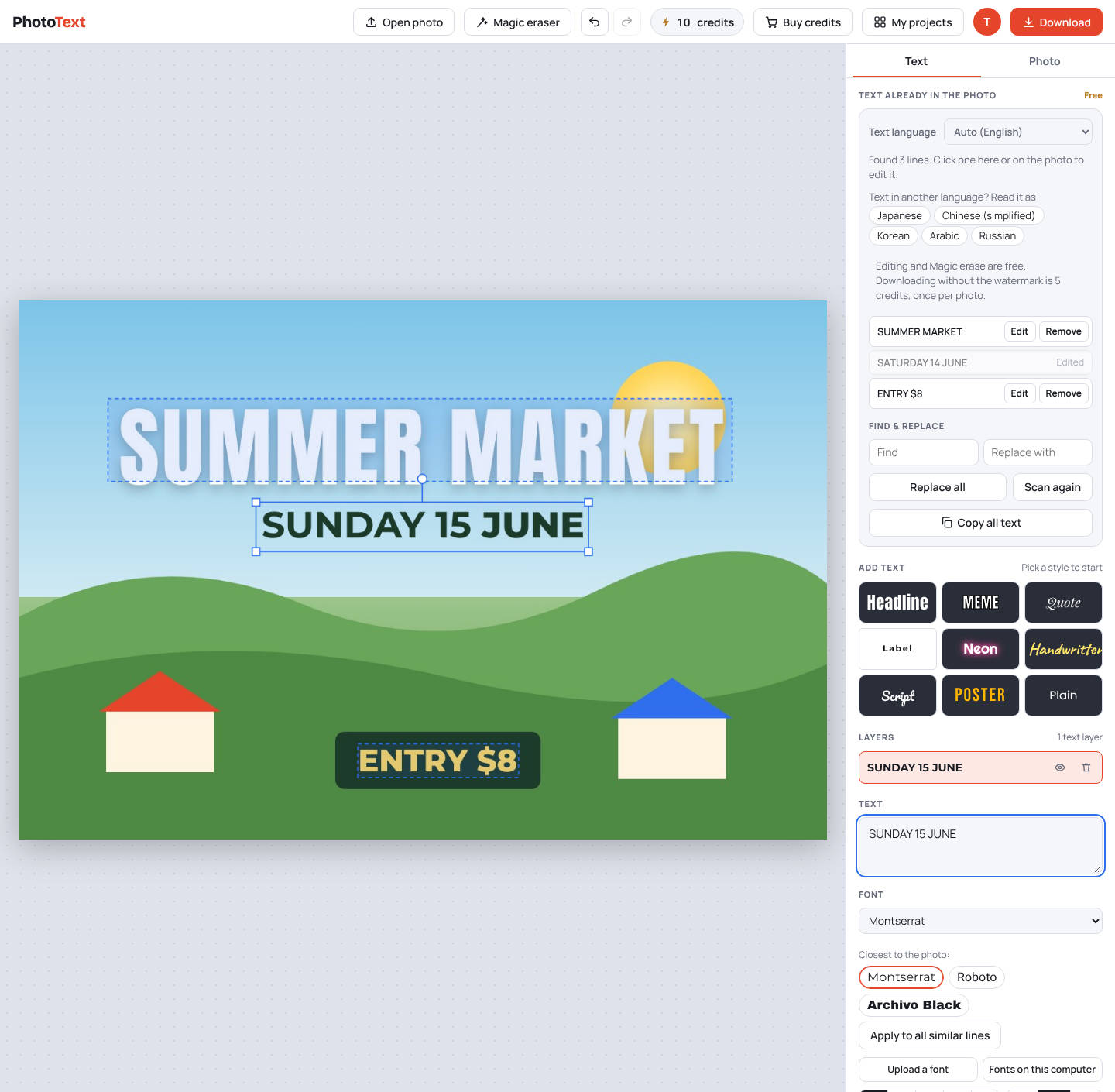
How it works
- Open the product imageYour main listing image or a banner.
- Edit or translateClick a line to retype it, or translate the whole image into another language.
- DownloadPick full size, half, quarter or a custom size for the marketplace.
What you get
- Translate into English, Spanish, Hindi, Arabic, Chinese and more, keeping the layout
- Crop to 1:1, 3:2 or 16:9
- Download at the size you need
- Remove old badges or text with Magic erase
Questions
Which languages can it translate into?
English, Spanish, French, German, Portuguese, Italian, Russian, Arabic, Hindi, Japanese, Korean, and simplified and traditional Chinese.
Is it free?
Editing is free. Downloads carry a faint PhotoText.com watermark; a clean download costs 5 credits per photo. Credit packs start at $5 for 80 credits, and credits never expire.